
Sign any PDF right in your browser
Draw or type your signature, then place it exactly where it belongs. Free, and the file never leaves your device.
- Draw or type it
- Place it anywhere
- Never leaves your device
Sign a PDF without printing a thing
Draw or type your signature, drop it where it belongs, and download. Four steps, no printer.
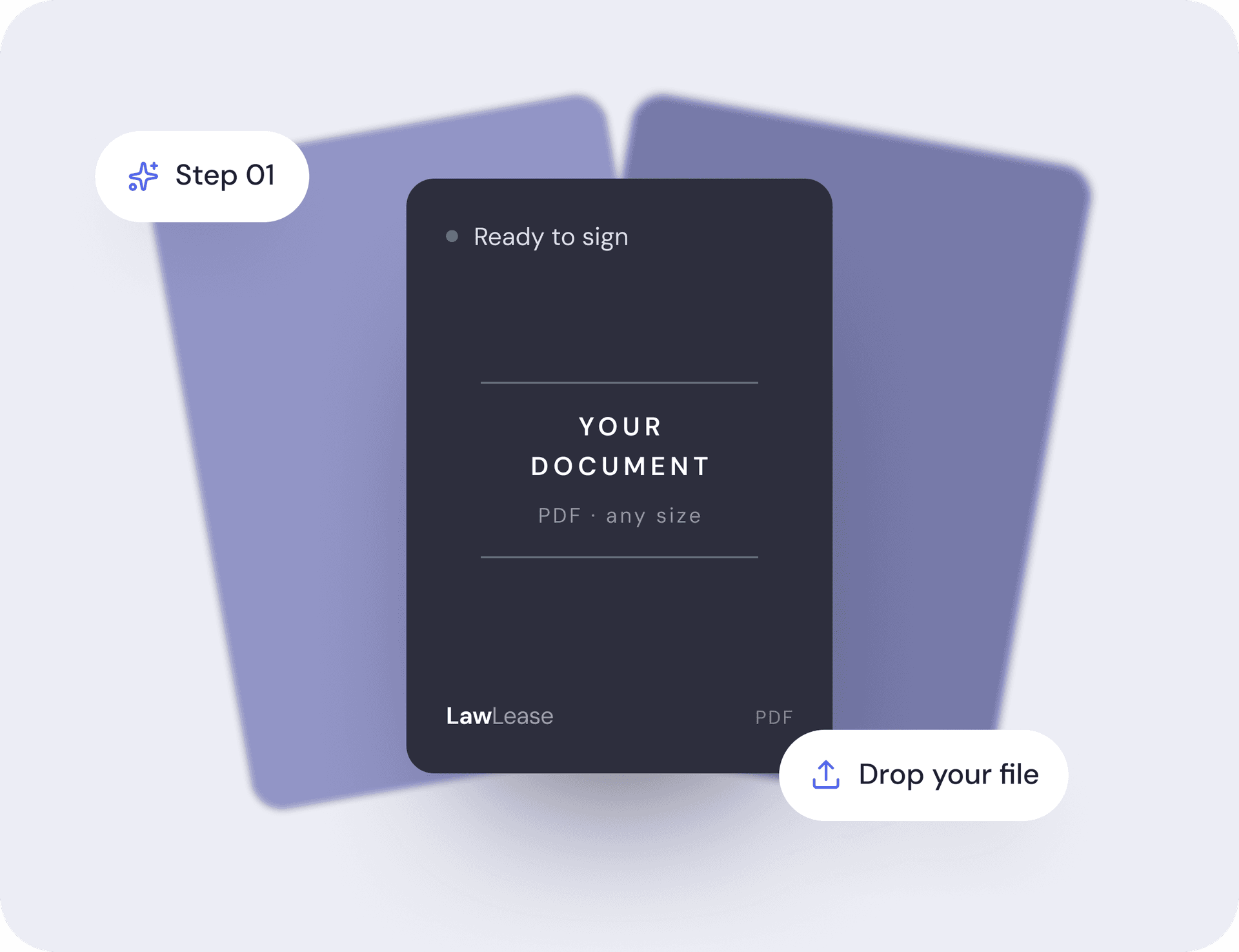
01Upload your PDF
Drag your file into the box or click to choose it from your device. The document opens in a page-by-page canvas you can scroll through.
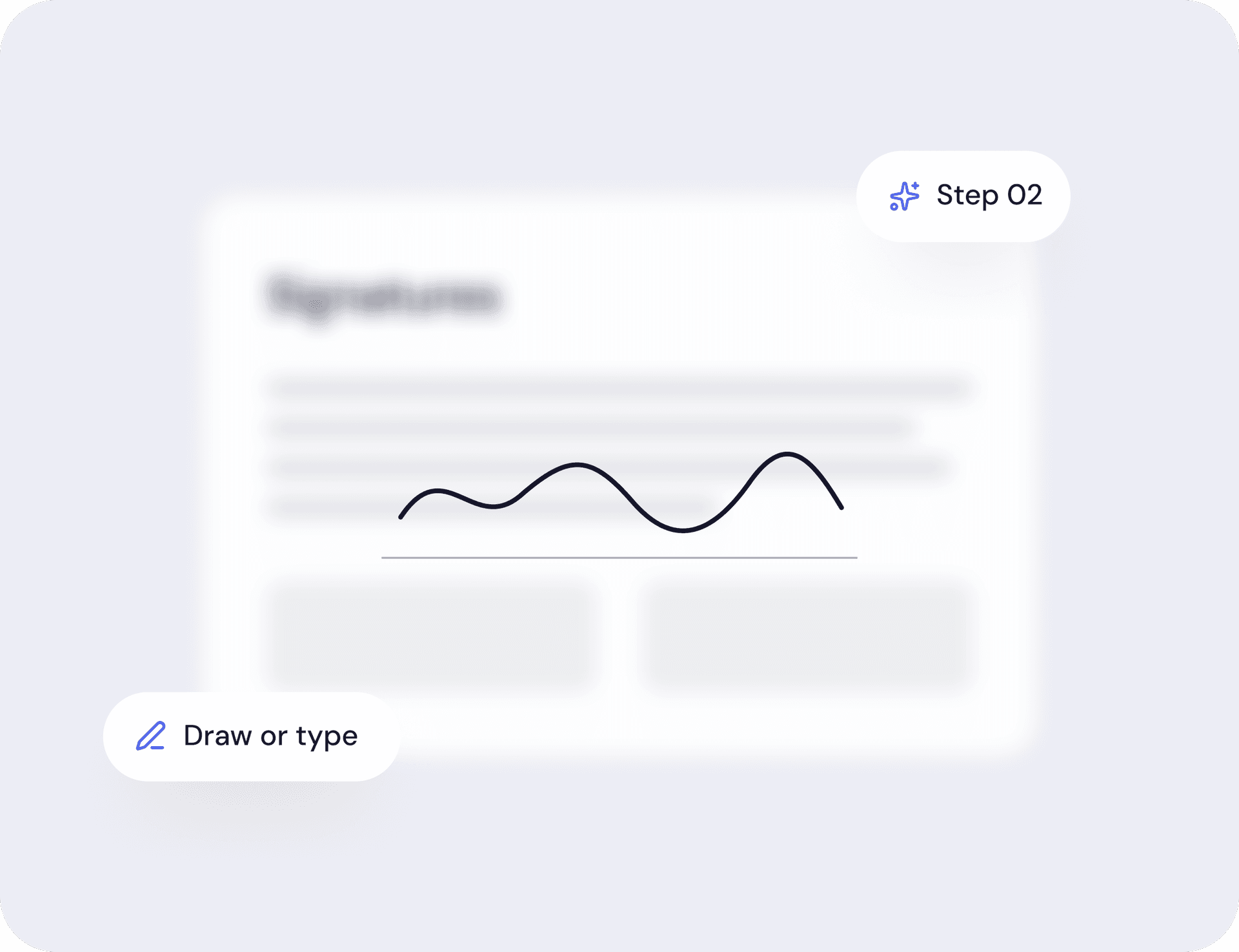
02Create your signature
Draw your signature in the pad with a mouse, trackpad, or finger, or switch to Type and enter your name in a signature font. Save it once and reuse it across the document.
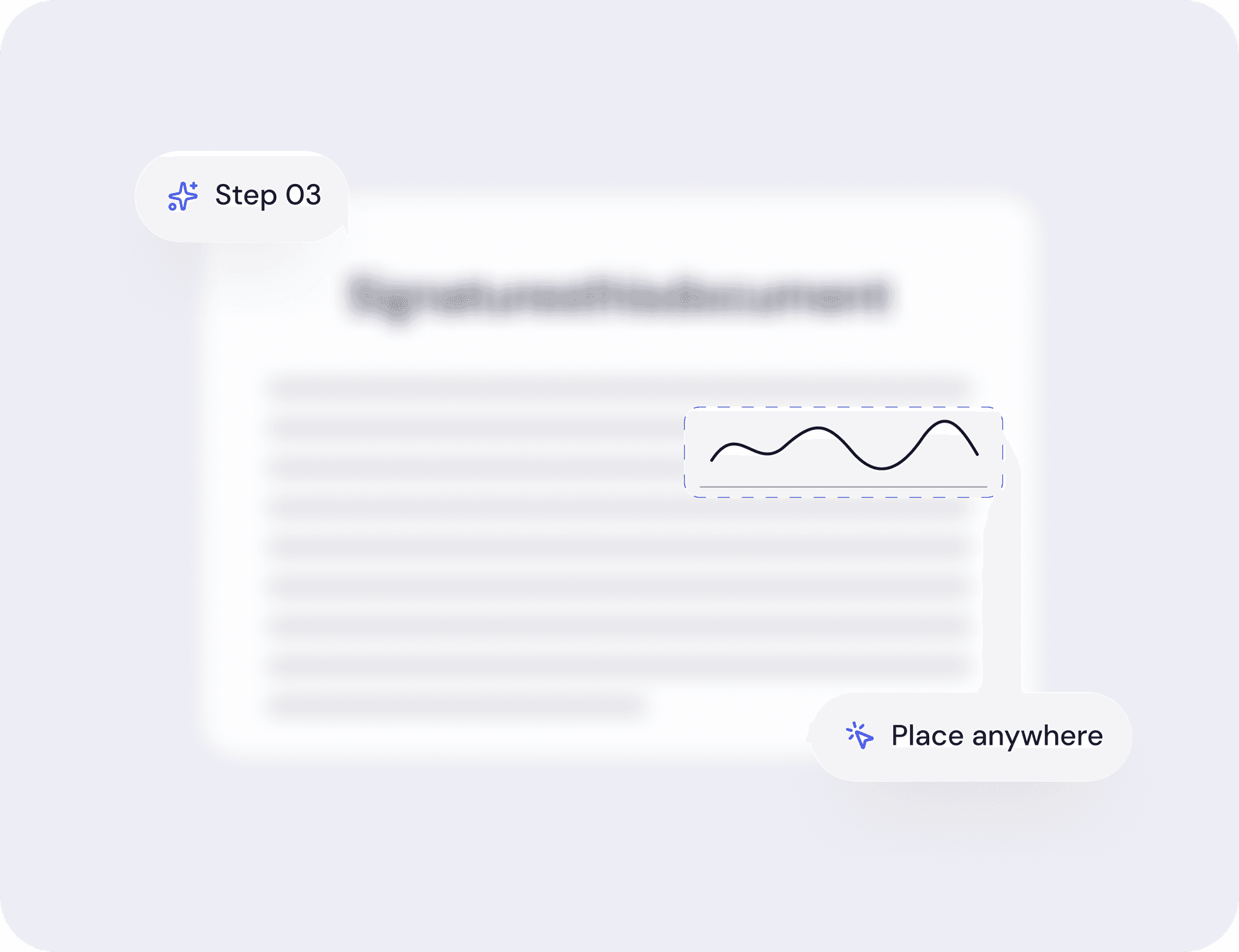
03Place it on the page
Click on the page to drop your signature where it belongs — add as many as you need, on any page, any spot.
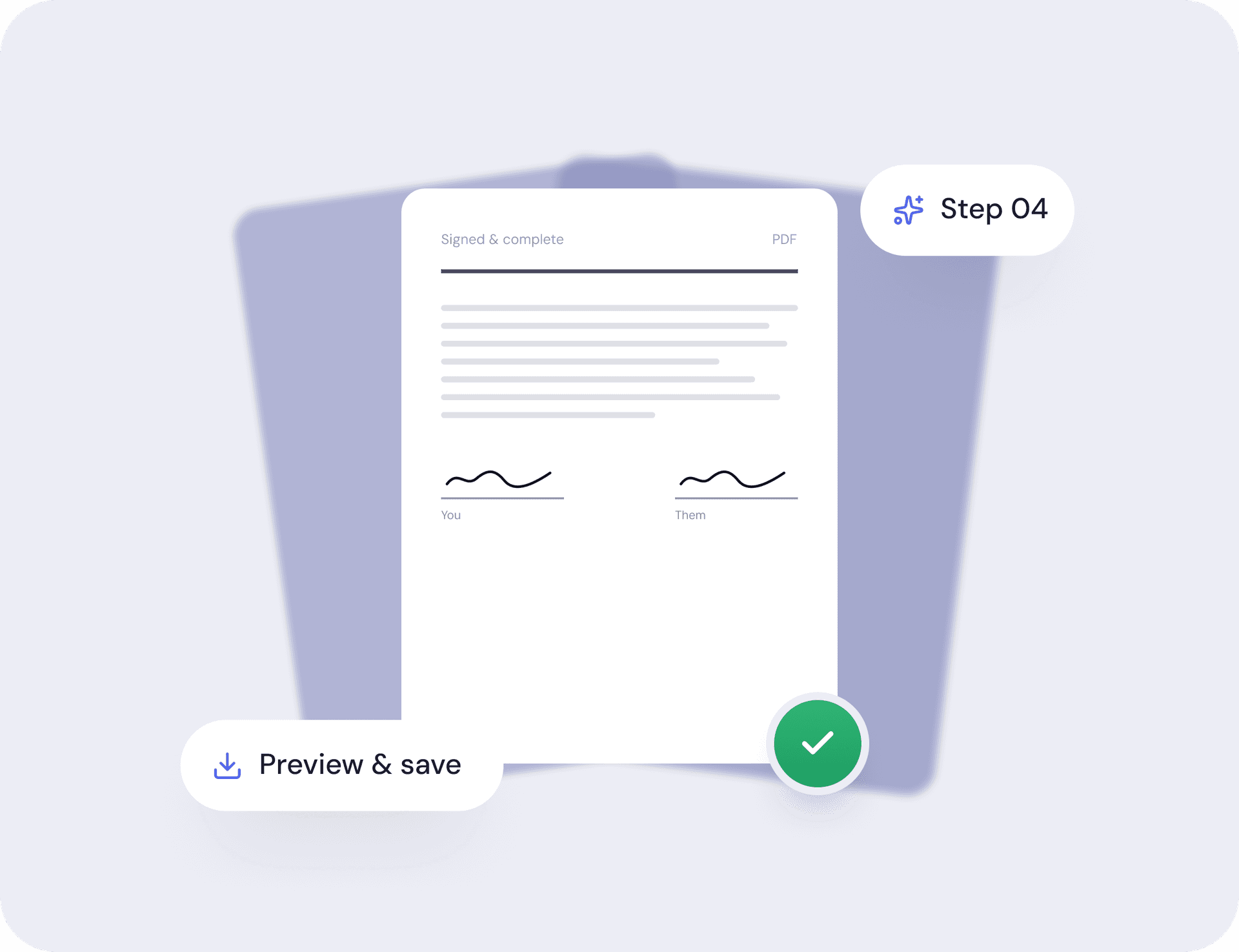
04Preview and download
Hit Apply, preview the result, then create a free account to download your signed PDF.
Why sign PDFs with LawLease
Built for landlords and tenants who sign paperwork all the time.
Draw or type
Sketch it by hand, or type your name in a signature font.
Original stays sharp
Signed as a clean layer. Text underneath stays selectable.
Private by default
Runs on your device. Nothing is uploaded to a server.
Free, no install
Any modern browser. No plugin, no download.
Place it anywhere
Drag the signature to the exact spot on any page.
Done in a minute
Upload and sign free; a free account unlocks the download.
I'd been a landlord for 12 years and used to pay $200 every time I needed a lease reviewed. LawLease took me 4 minutes and the document is better than anything my old attorney emailed me.
Robert M.
3 single-family rentals,Austin, TX
What people use it for
Everyday paperwork, done in two minutes.
Leases and addenda
Sign and send back the same day.
Countersign a copy
Add your mark to one a tenant already signed.
Forms on the spot
Checklists and disclosures, done on receipt.
Renewals
Re-sign the same terms for another year.
Notices
Entry, rent increase, or notice to vacate.
Anything you were told to print
Sign it, save it, send it back.
Frequently asked questions
More free tools
Document Finder
Answer a few questions, get the exact rental documents your situation needs.
Fair Housing Screener
Paste your rental listing and catch Fair Housing Act risk phrases before you post.
Rent Increase Checker
Enter the numbers, get an instant answer on whether your rent increase is legal — with the statute.
Lease Audit
Upload or paste your existing lease and see where it breaks your state’s law — free.
Deposit Workbench
Escrow rules at move-in, interest and deadline math at move-out — cited to your state’s statute.
Need the lease itself?
Build one for your state in about five minutes — every required disclosure applied for you, ready to sign.